

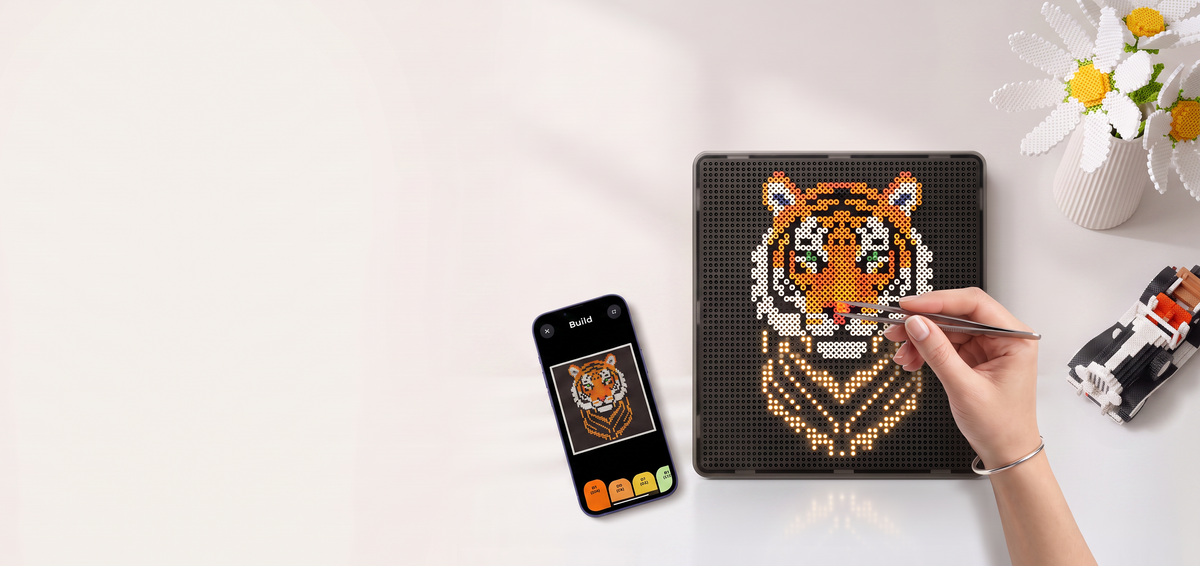
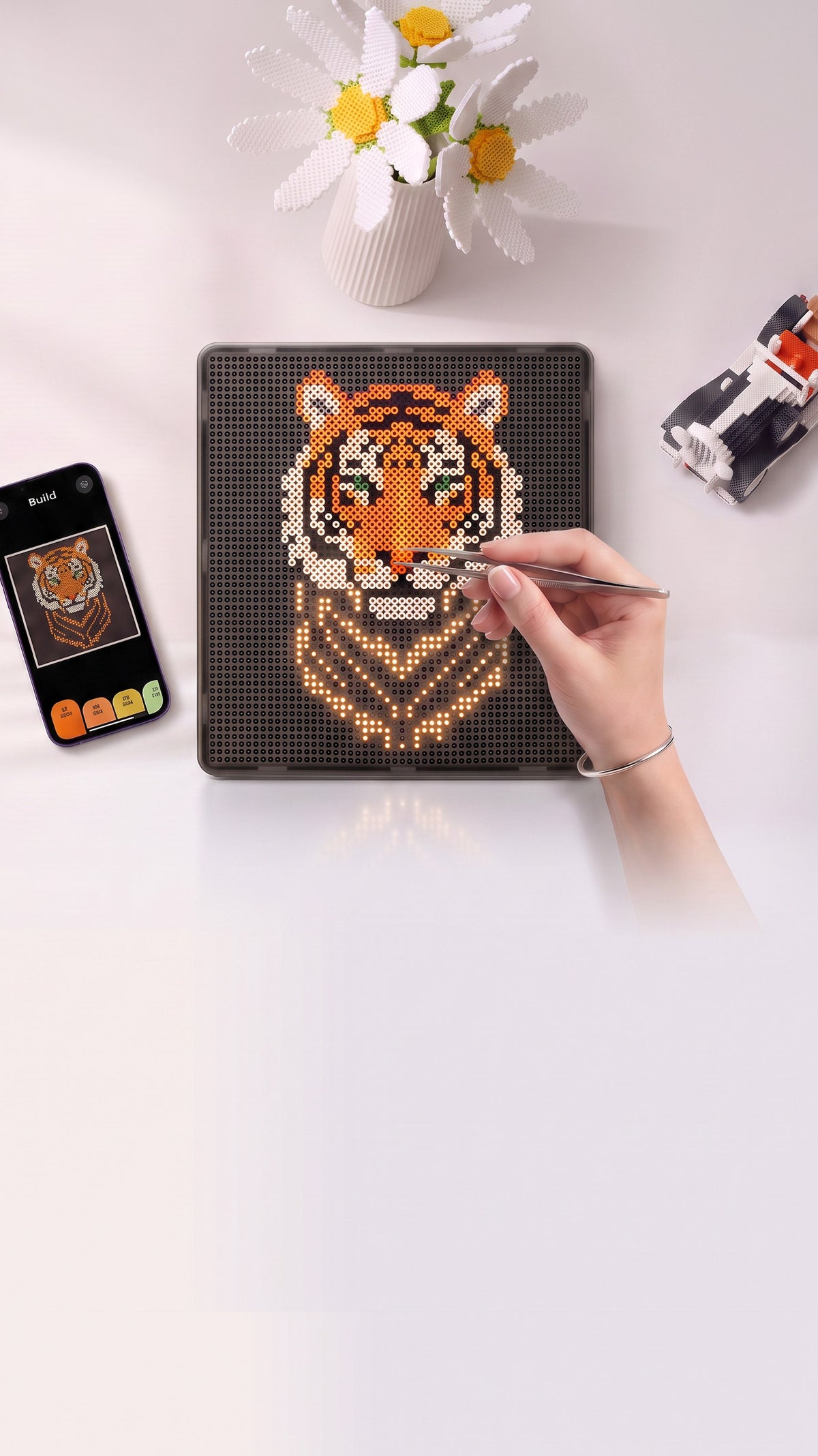
One board. Endless creations.
From portraits and pixel art to gifts, decor and bigger projects, bring your ideas to life with PixMaker.

Three steps
Choose. Follow. Create.
Choose
Pick a design, import your own image, or generate one in the PixMaker app.
Follow
The board lights up to show you where each bead goes, one colour at a time.
Create
Place your beads, iron on the board, and reveal your finished piece.
Create your way.
Smart tools. Made by you.
Make the Memory Stay
Turn meaningful photos into lasting bead art, made by you and built to be kept.
Captured with love
Turned into bead art
Made to be treasured
PixMaker AI
Dream in pixels.
Describe what you want to make, generate a pixel-art design, then bring it to life bead by bead.
Two sizes
Choose your PixMaker
Same guidance, same app. The difference is how big you want to create.
Every PixMaker includes
Value that lasts past the first build
What makers are saying
Real creators. Real builds.
The lights make it so much easier
“I’ve used regular pegboards for years, so I’m used to checking the pattern over and over. With PixMaker I can just follow the lights and keep going. It feels much smoother.”
I catch mistakes much earlier
“Usually I only notice a wrong bead when I’m almost finished. With PixMaker, it’s much easier to see where everything should go while I’m building.”
I love making my own designs
“I didn’t really buy it for the included patterns. What I like most is being able to use my own images and turn them into something I can actually build.”
Questions, answered
PixMaker supports 2.6 mm fuse beads and selected colour systems, including Perler, Hama, MARD, Artkal, and Yant. Simply choose your preferred colour system in the app.
Yes. Direct ironing on the board is supported when the recommended method is followed.
Keep the temperature at 150°C or below and ironing time to 45 seconds or less.
For best results, follow the ironing guide in the app or user manual.
Both use the same light guidance and app. PM52 is 15 × 15 cm with 52 × 52 pins, while PM104 is 30 × 30 cm with 104 × 104 pins, giving you four times the working area for larger, more detailed designs.
Yes. PixMaker works with the app, and the core features are free, including image import, pixel art import, design tools, and access to the design library. You also get free AI credits, with additional AI usage available separately if needed.
Learn more →
Free shipping over £99, a 1-year warranty, and 14-day returns. Full details are on the product and policy pages.
Created by Pixply Ltd.
PixMaker is a brand of Pixply Ltd.