
1
Choose.
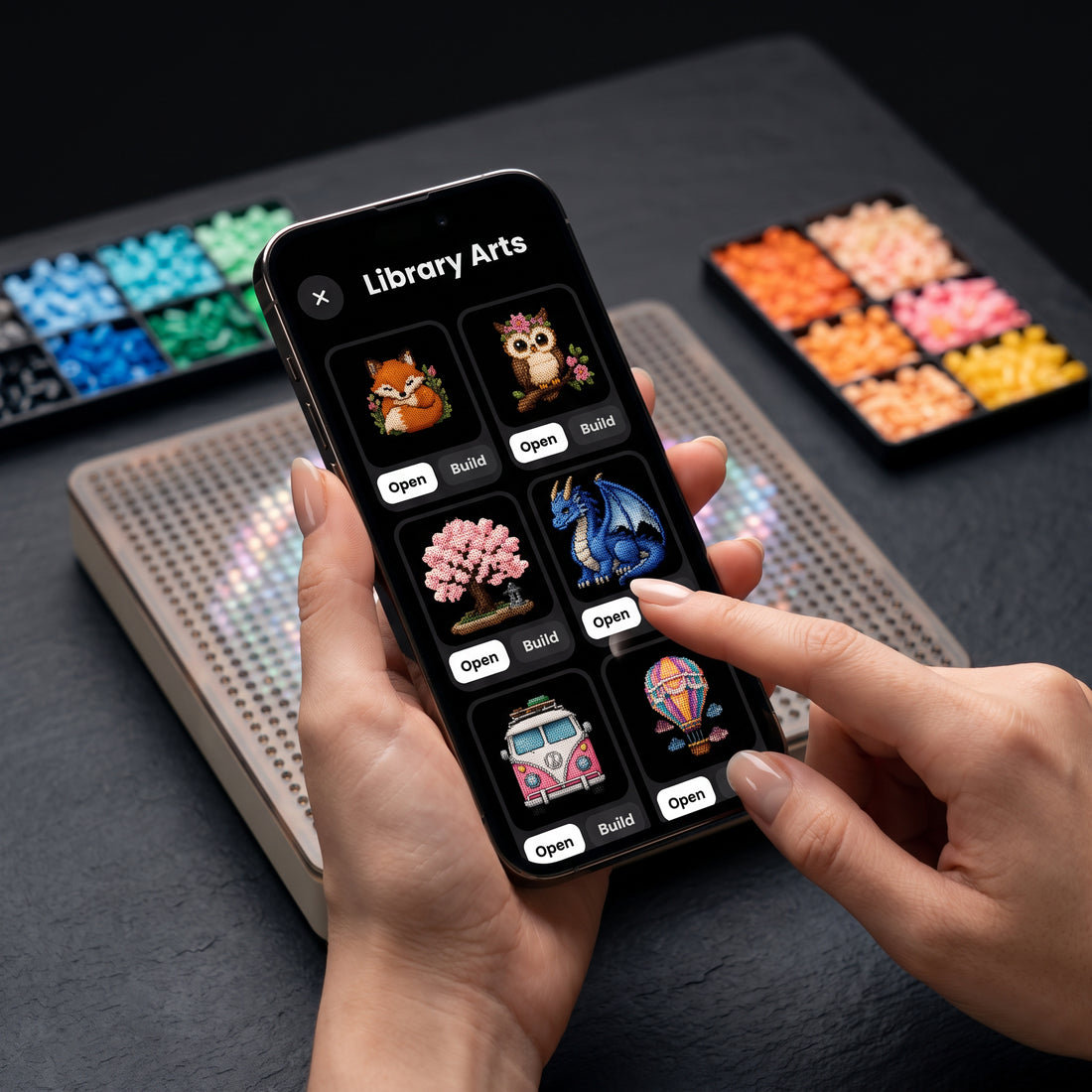
Pick a design, import your own image, or generate one in the PixMaker app.
The PixMaker app
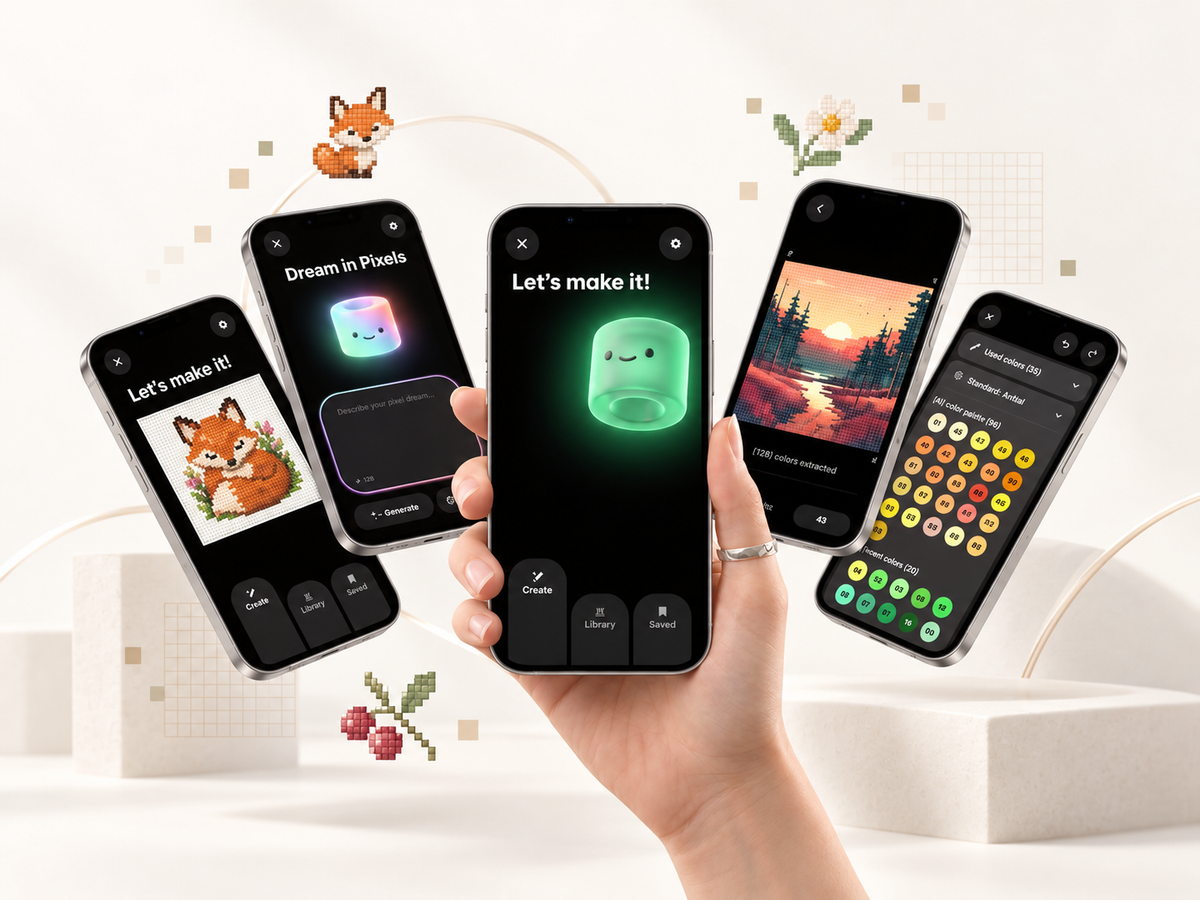
Turn your photos and ideas into bead art. Design, edit and build with PixMaker on iOS and Android.
Pick a design, import your own image, or generate one in the PixMaker app.
The board lights up to show you where each bead goes, one color at a time.
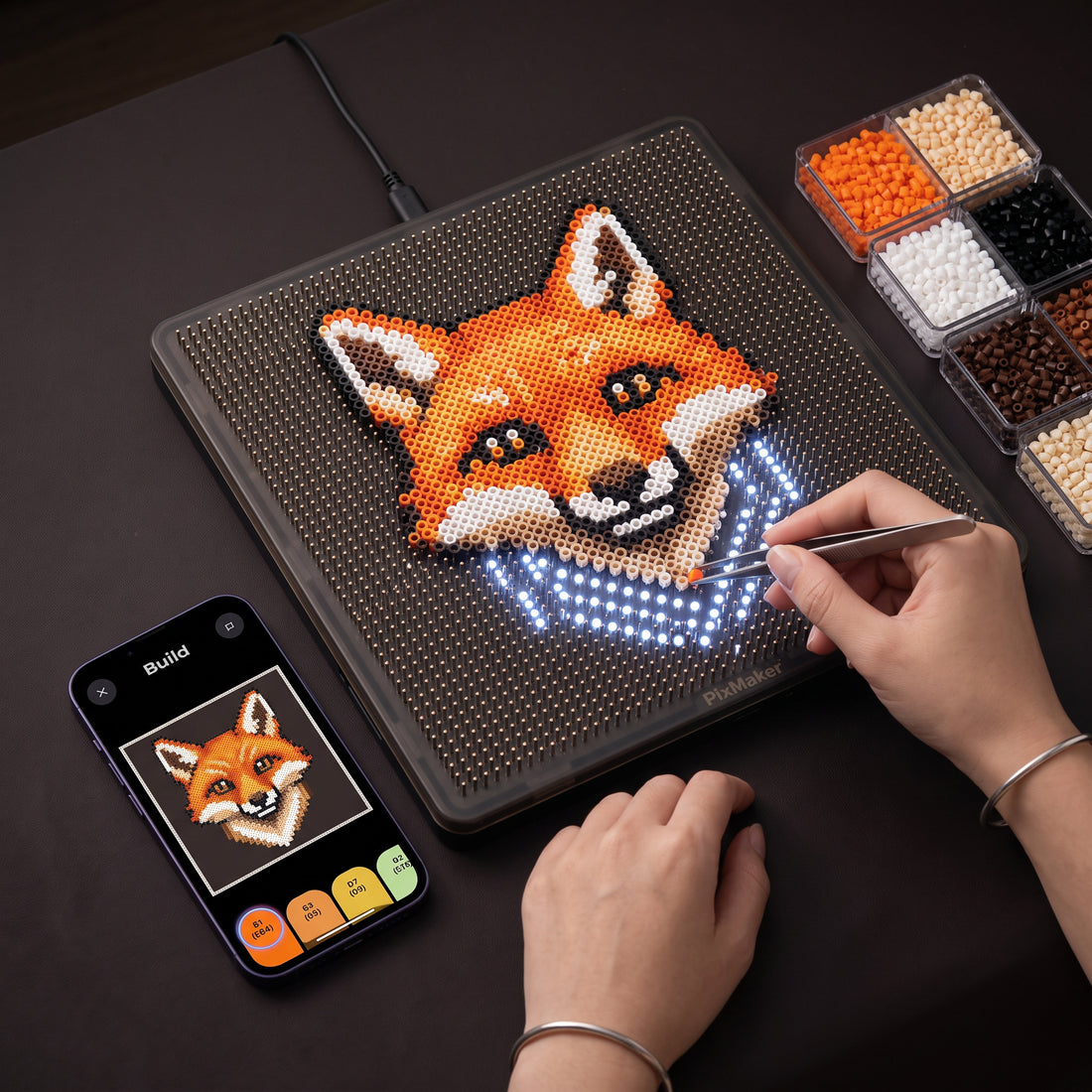
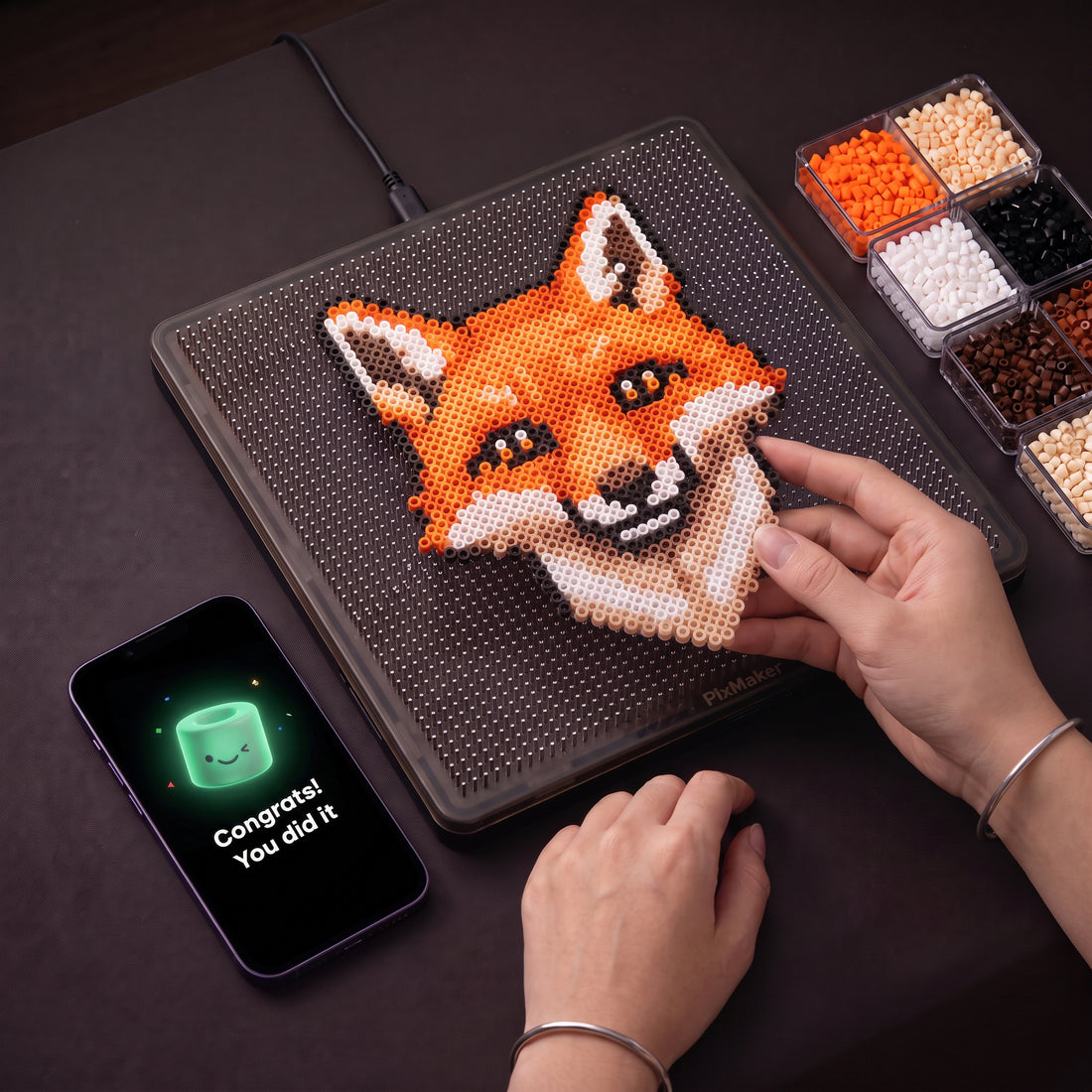
Place your beads, iron on the board, and reveal your finished piece.
The PixMaker app
Eight ways PixMaker turns any idea into bead art.
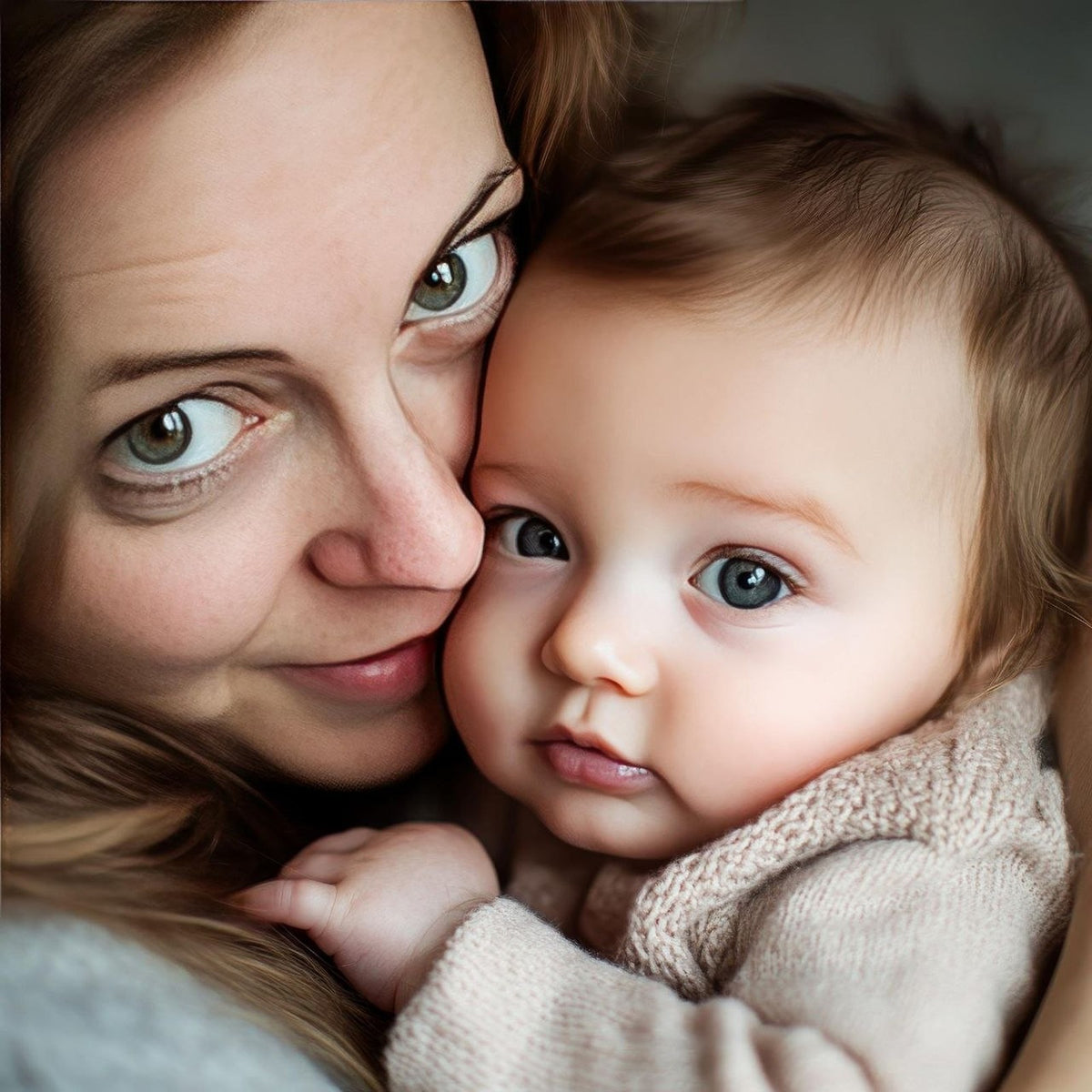
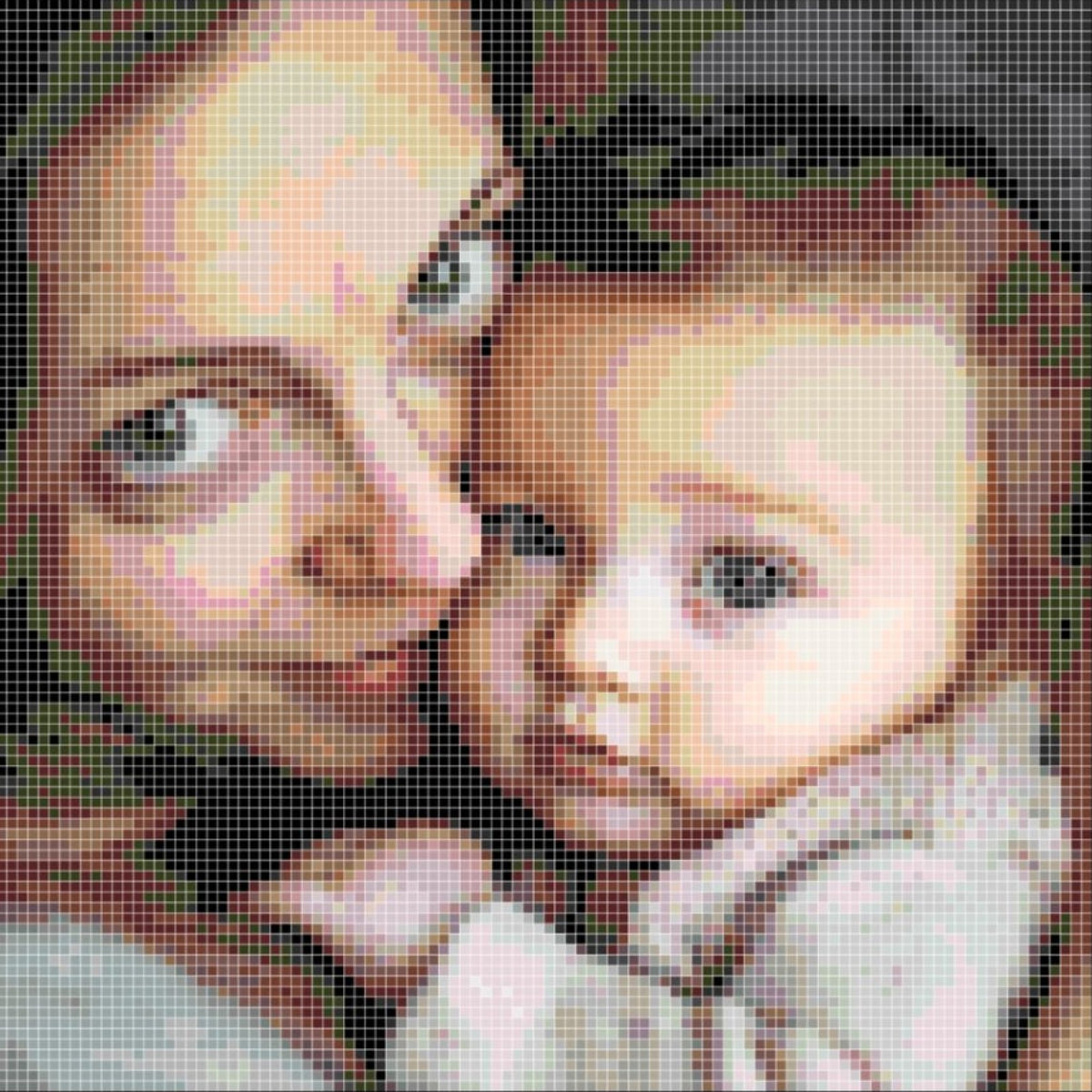
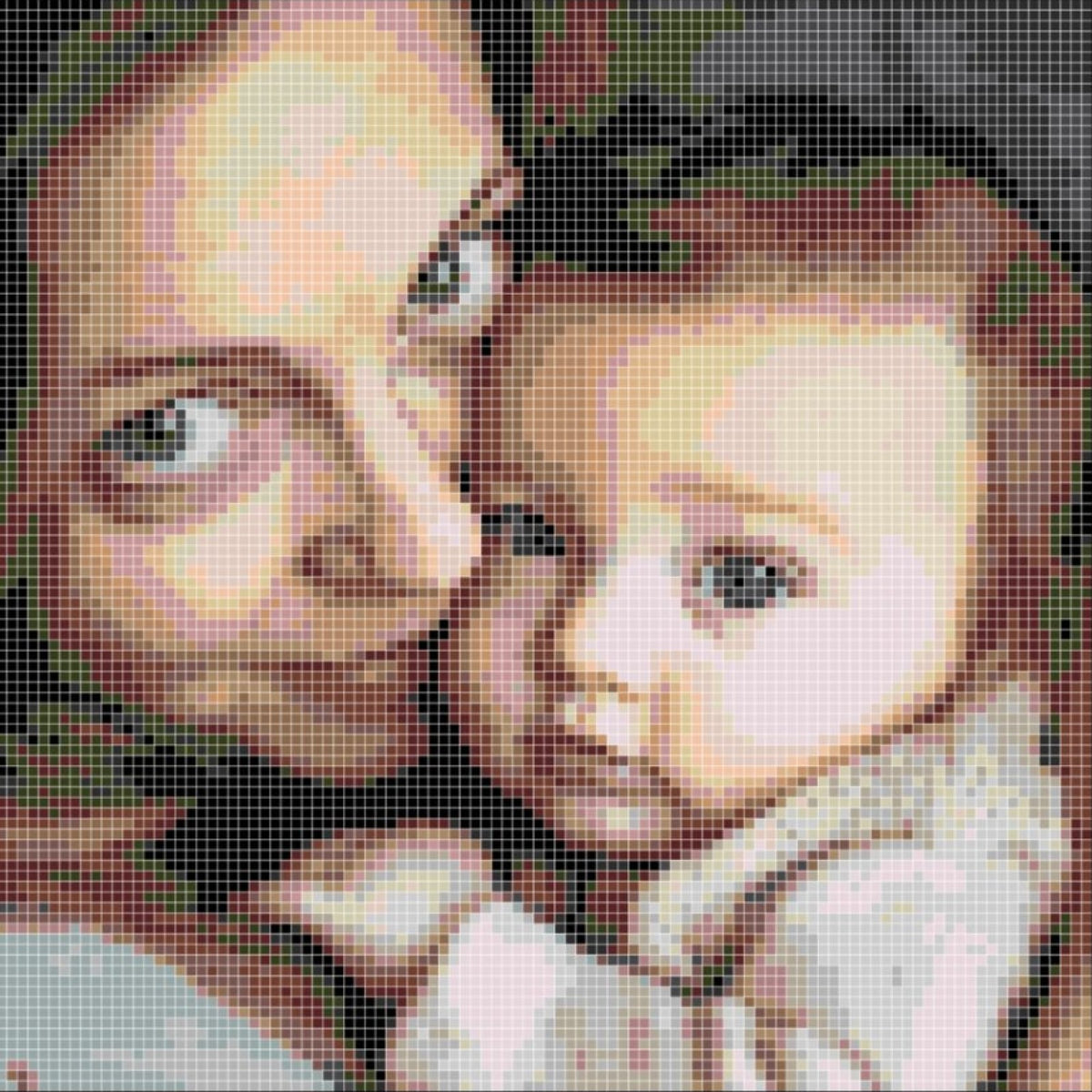
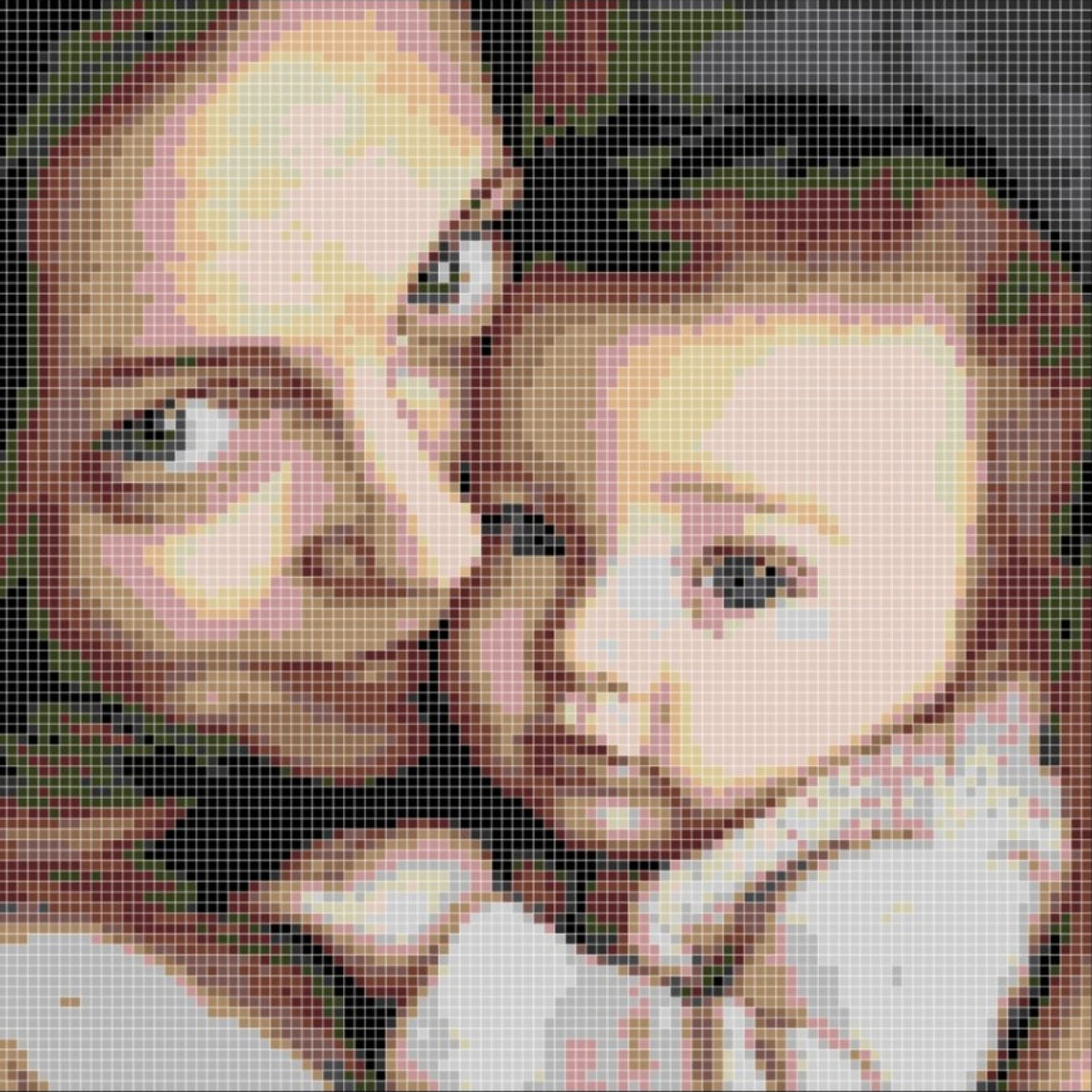
Samples on a 104 × 104 board
Turn family portraits, realistic photos or any image you love into pixel art, with full control over the number of colors. PixMaker keeps the quality high with the lowest possible number of colors.
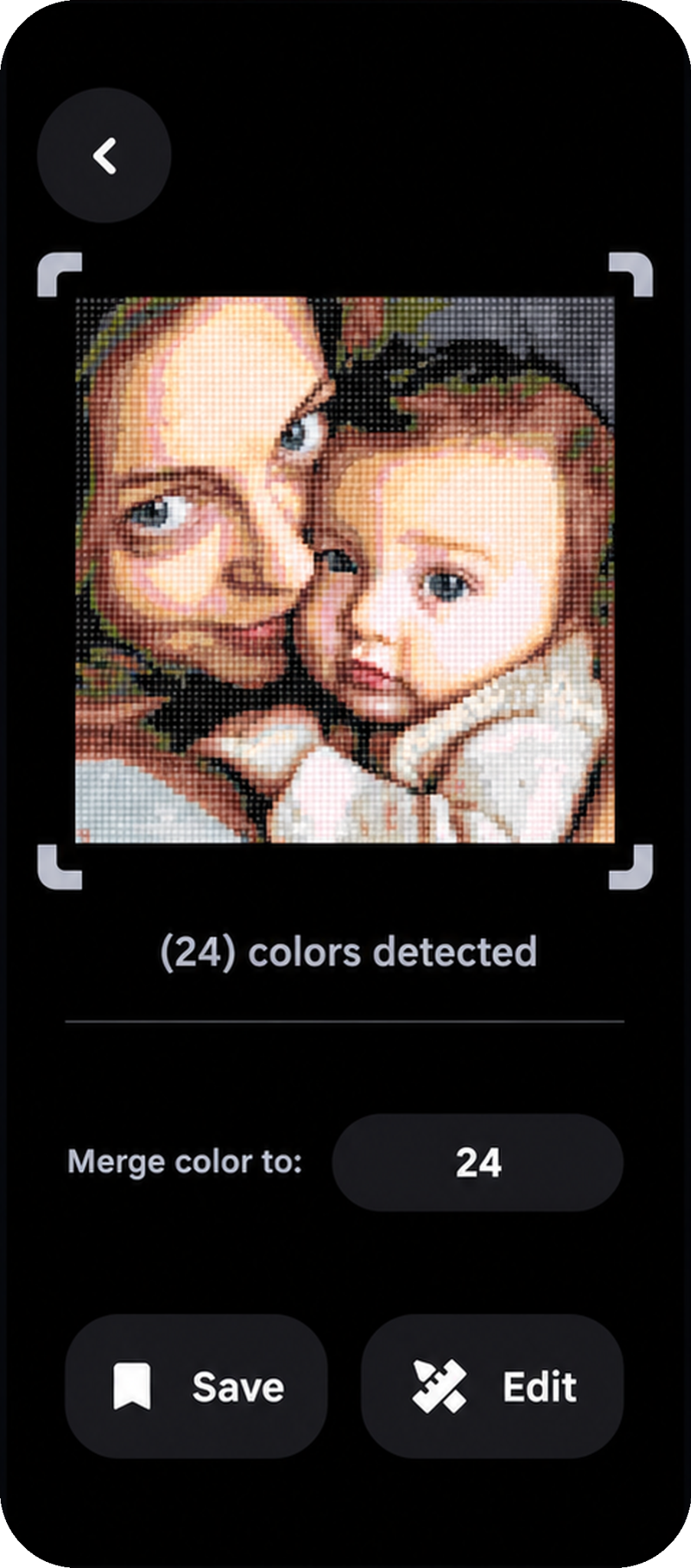
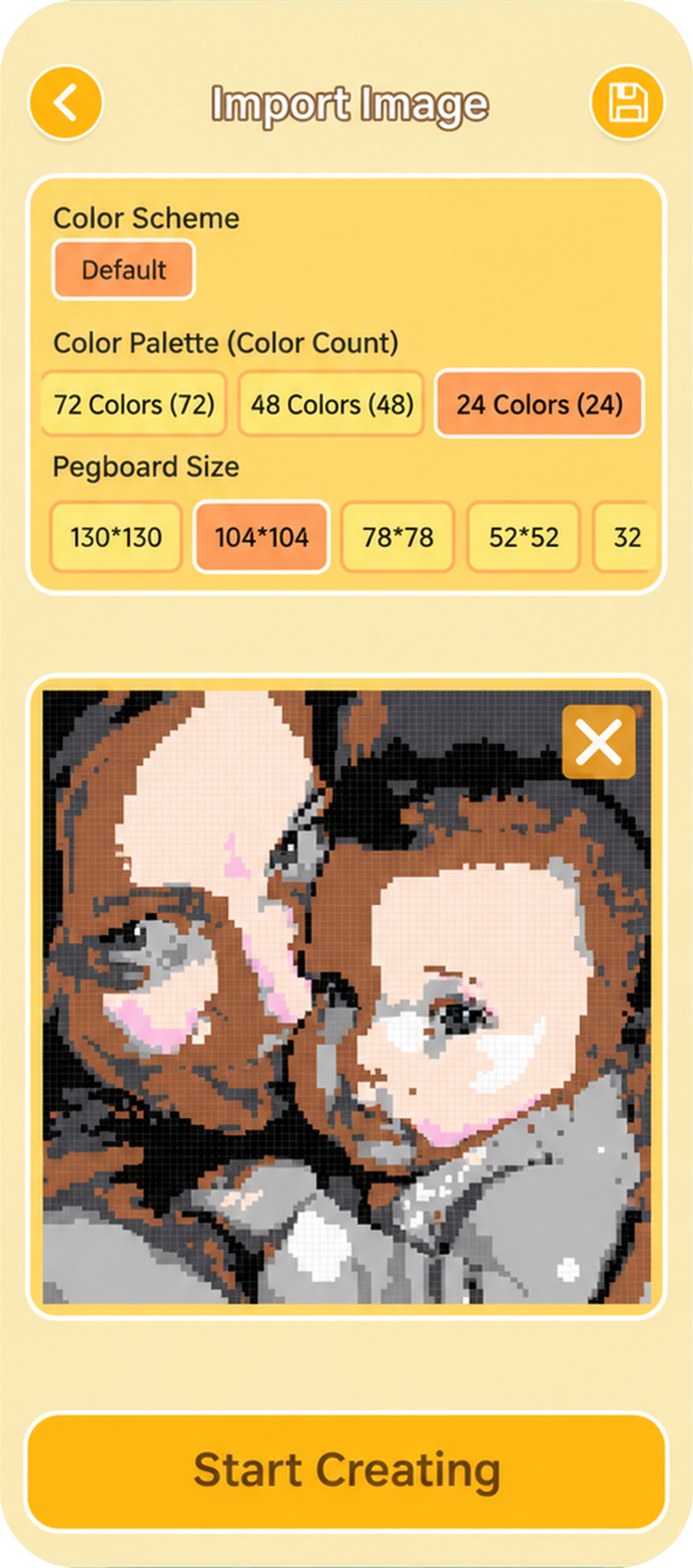
Same photo. Same 24 colors. Same 104 × 104 board.
Other apps can lose faces and details when they reduce colors. PixMaker keeps eyes, skin tones and shading, so your portrait still looks like them.
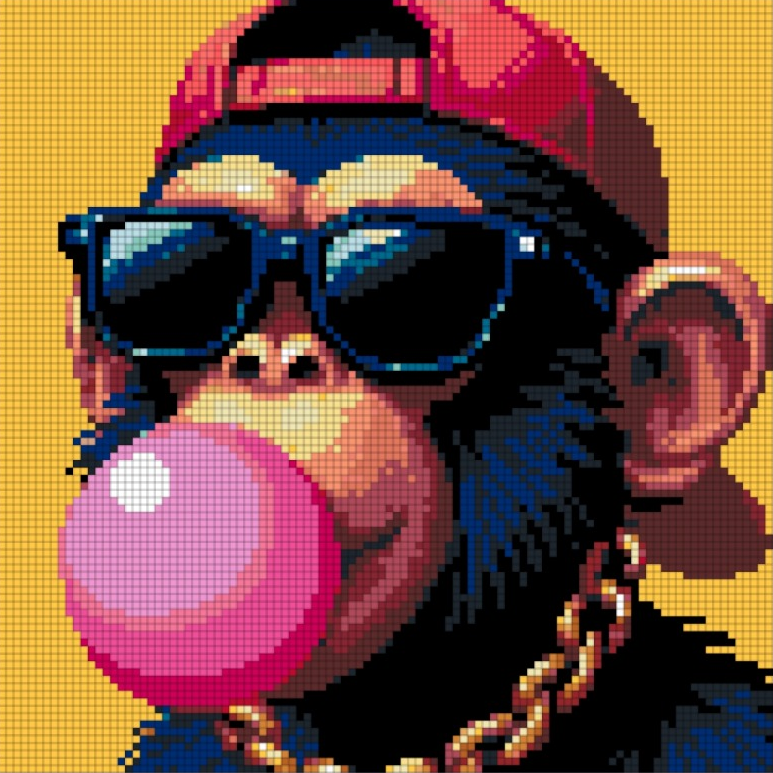
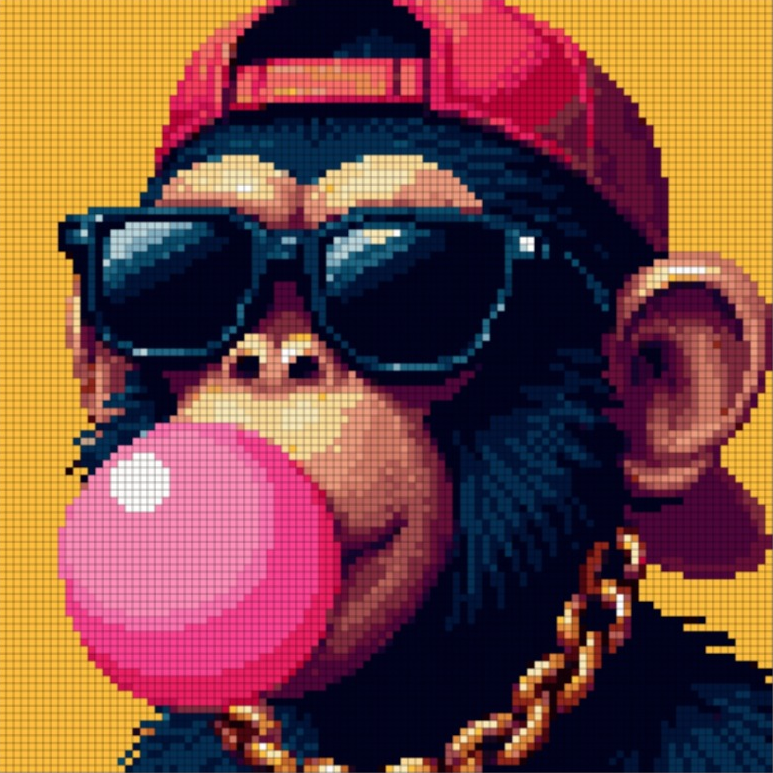
Bring in pixel art from an image or a link. PixMaker recognizes the pattern in a few taps and keeps the same accuracy and the same colors as the original design.
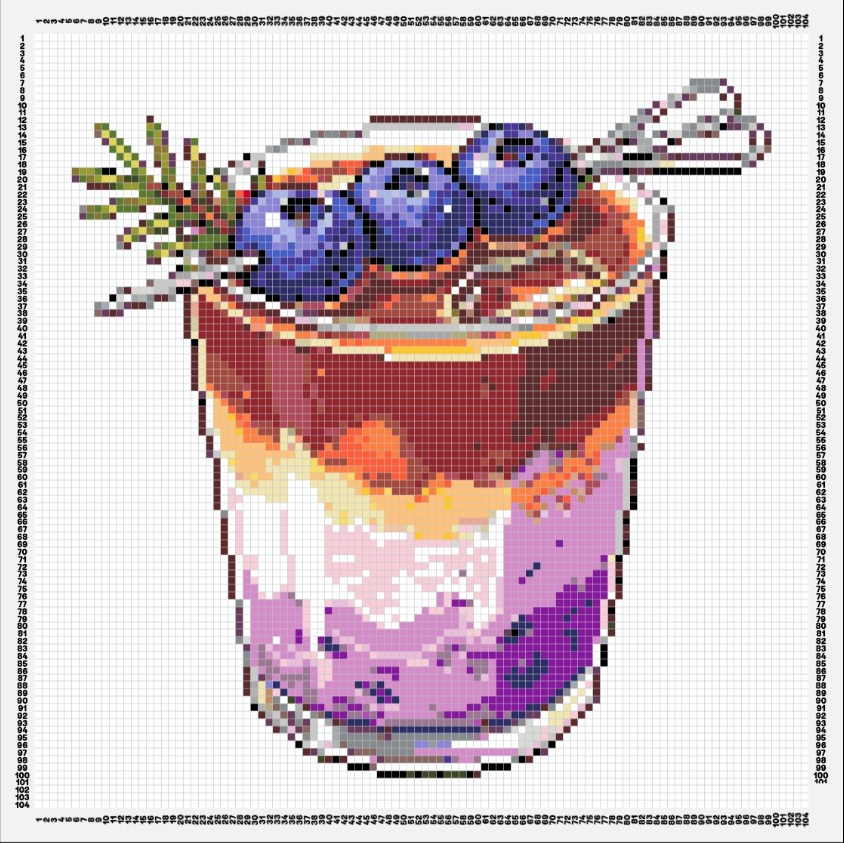
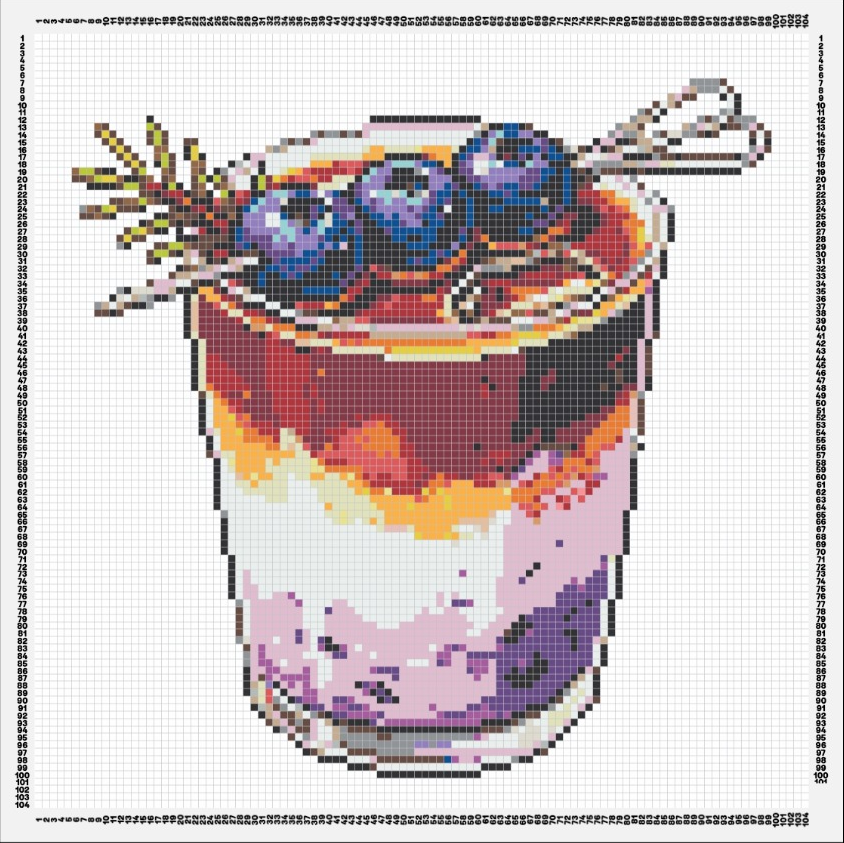
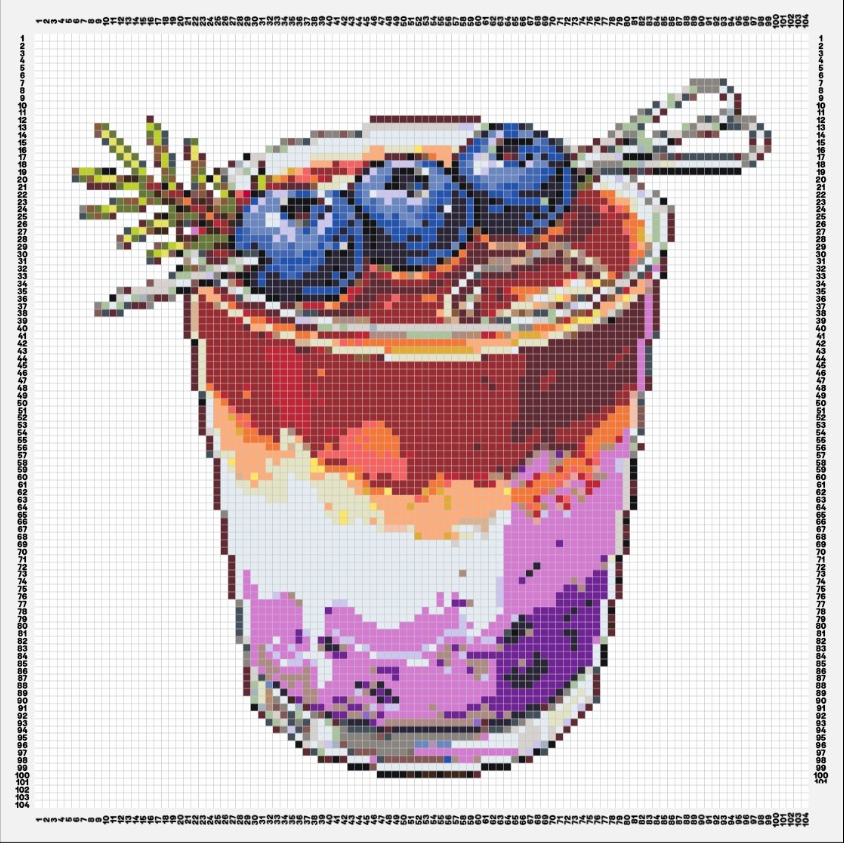
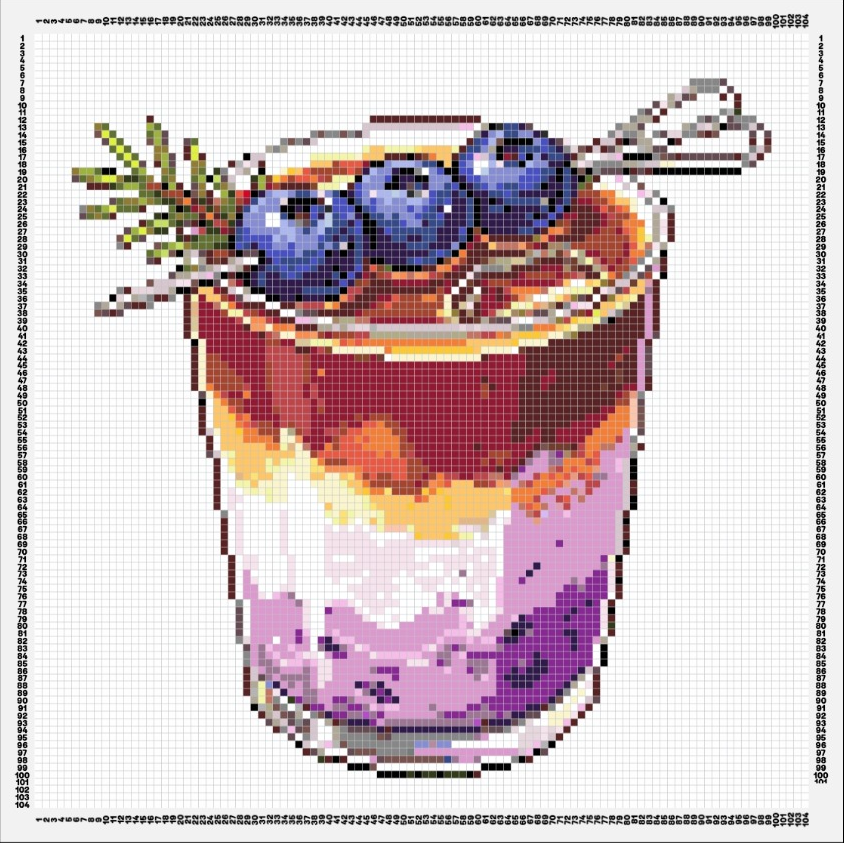
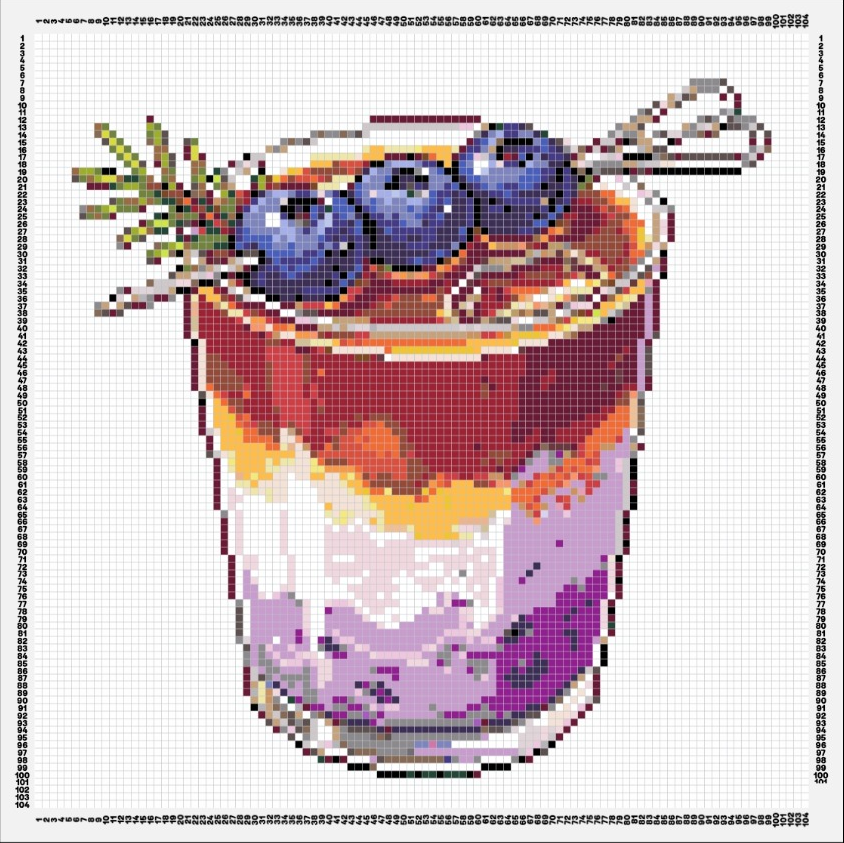
Found a design made in a different color system? Convert any image or pattern to Artkal, Perler, Hama, MARD or Yant and build whatever you like, without limits.






Generate pixel art in any style, in any color system, with the number of colors and the size you want, with or without a background. It's true pixel art for fuse beads, not a photo filter.


Turn any photo of people you love into a cartoon or anime fuse bead pattern. Change the picture, add or remove things, and use every AI pixel art option on top.
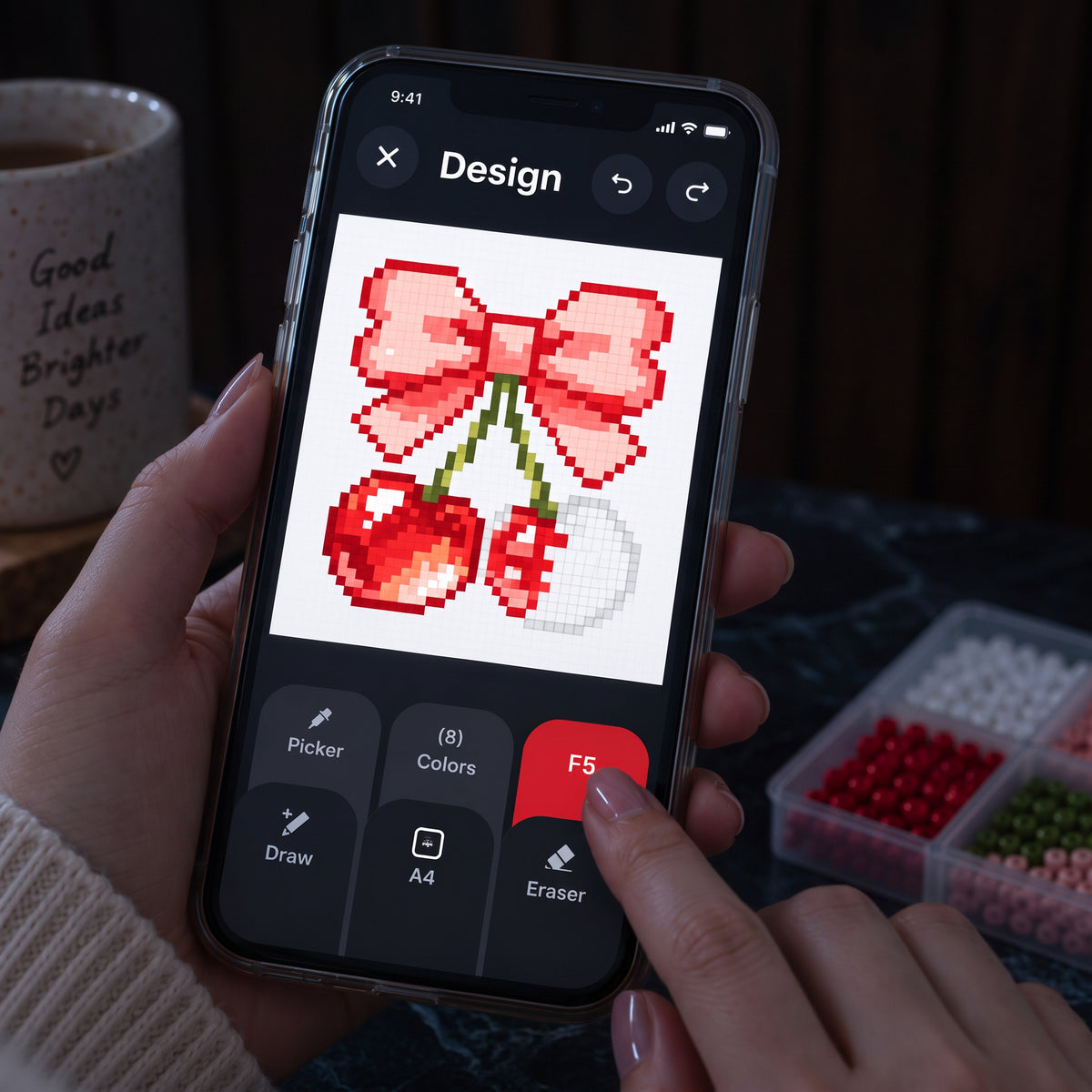
Edit any pattern with smart tools: switch the color system, merge colors for a clean result, resize and move, draw, and remove backgrounds.
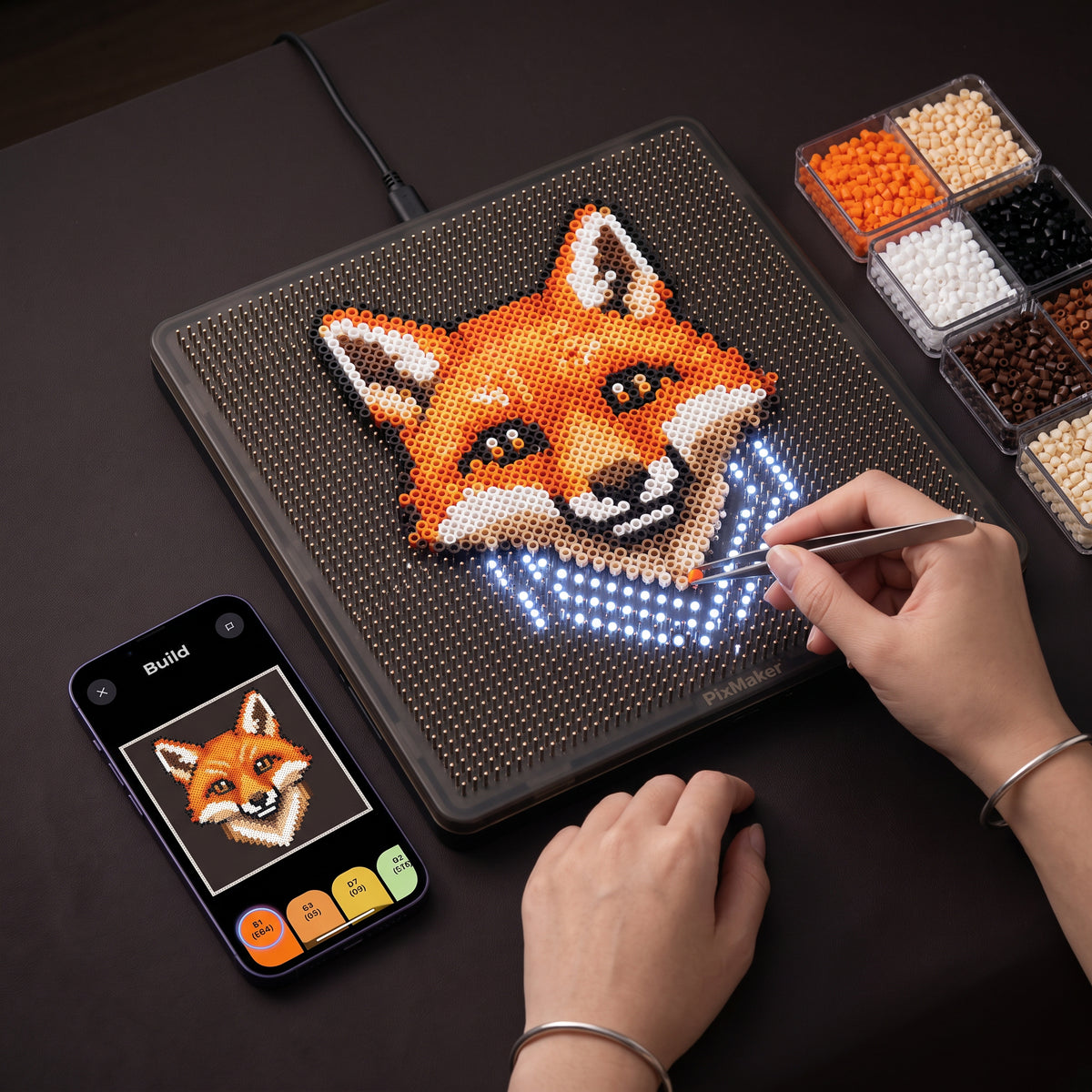
Send your design to the board and pick any color to bead. Change colors, light modes and tools in a few taps, and save your design to continue later.
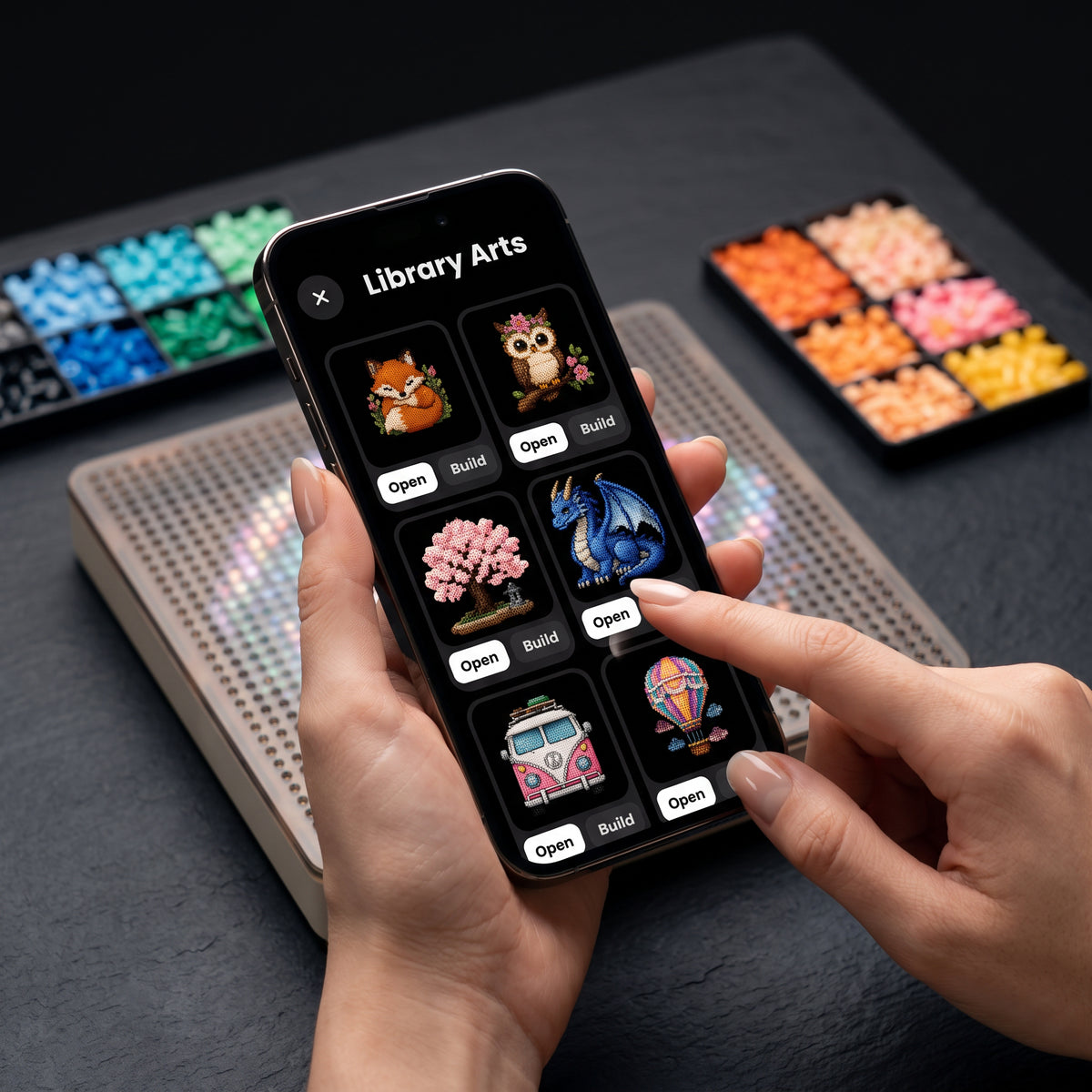
Open a ready-made design and send it to your board in seconds, or save favorites for later. A fast way to start without a blank canvas.
What is free?
Image import, pixel-art import, design tools and access to the pattern library.
Free credits are included. Additional AI usage is optional and available separately. Check current options in the app before buying credits.
Use Image to Pixel Art for a regular photograph. Use Import Pixel Art for an existing pixel pattern, with controls for its grid and detected colors. Choose AI Generation to create from a text prompt or uploaded image.
Choose your bead brand or system to match a pattern to its available palette. Review detected colors and replace shades where needed. Palettes differ across brands, so exact matches are not always available. Color-system support does not mean every bead size fits the board.
In the app, go to Settings → Services → PixMaker Device Services. Sign in with your app account to manage services and credits. To create AI artwork, open Create from the home screen.
Open the Help Center in the app’s Settings, or visit the PixMaker user guide for setup and building instructions.
Ready when you are
Your next piece starts with one idea. Download the app and make it real.
Created by Pixply Ltd. PixMaker is a brand of Pixply Ltd.